

Google Ads Conversion Tracking Setup with Devvys
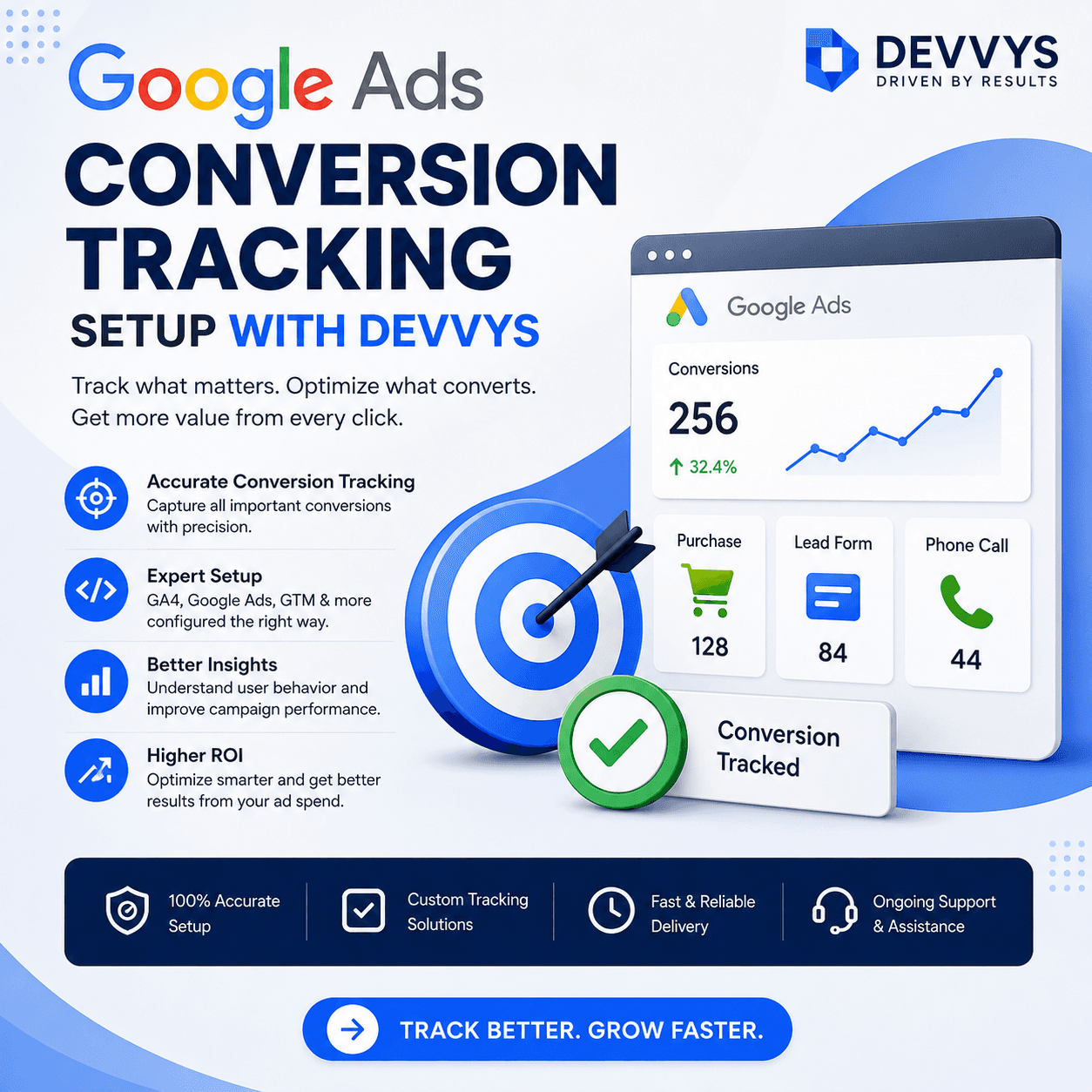
Google Ads can be one of the most powerful marketing channels for businesses that want measurable results. It allows companies to reach people who are actively searching for products or services, which often leads to higher-quality traffic and better conversion potential. But to truly understand whether your campaigns are working, you need more than just clicks and impressions. You need accurate conversion data. That is why Google Ads Conversion Tracking Setup is so important.
At Devvys, we believe that smart advertising starts with clear measurement. If you cannot see what actions users are taking after clicking your ad, you are making decisions based on incomplete information. Proper tracking allows you to see which campaigns, keywords, and ads are actually producing leads, sales, calls, or other valuable actions. Without it, you may unknowingly waste budget on traffic that does not convert.
This article explains how to set up conversion tracking in Google Ads, why it matters, and how businesses can use it to improve campaign performance. Whether you manage your campaigns in-house or work with a partner, accurate tracking is the foundation of smarter paid search.
Why Conversion Tracking Matters
Conversion tracking tells you what happens after someone clicks your ad. It can show you when a user completes a purchase, submits a form, books an appointment, or makes a phone call. Without this data, you cannot know which parts of your campaign are profitable.
Better Decision Making
Accurate conversion data helps you decide where to spend more and where to cut back. You can shift budget toward campaigns that work and away from those that do not.
Clearer Performance Picture
Clicks and impressions show activity, but conversions show results. A campaign with many clicks but no conversions is not successful. A campaign with a higher CPC but strong conversions may actually be much more profitable.
Improved Optimization
Google Ads uses conversion data to optimize bidding and targeting. When you feed the system accurate conversion signals, it can improve performance automatically over time.
Types of Conversions to Track
Before setting up tracking, you should decide which actions matter most to your business. Not all conversions have the same value, and not all of them should be treated equally.
Common Conversion Actions
Purchases.
Form submissions.
Phone calls.
Bookings or appointments.
Newsletter signups.
Add-to-cart actions.
Downloads.
Primary vs Secondary Conversions
Primary conversions are the main business goals, such as sales or qualified leads. Secondary conversions are useful but less critical, such as newsletter signups or content downloads. Google Ads allows you to mark conversions as primary or secondary so you can guide optimization more effectively.
Step-by-Step Google Ads Conversion Tracking Setup
Setting up conversion tracking involves a few key steps. The exact process can vary slightly depending on your website platform and tools, but the core workflow is similar.
Step 1: Define Your Conversion Goals
Start by listing the actions you want to track. Be specific. For example, instead of saying “track leads,” define what a lead is: a completed contact form, a callback request, or a booked consultation.
Step 2: Create a Conversion Action in Google Ads
In your Google Ads account, go to the Conversions section and create a new conversion action. You will choose the type of conversion you want to track, such as website actions, phone calls, or app installs.
Step 3: Set Up the Conversion Tag
Google Ads will provide a conversion tag that needs to be placed on your website. This tag fires when a user completes the desired action. You can install it directly, through Google Tag Manager, or via a website platform integration.
Step 4: Test the Tracking
After installation, test the conversion to confirm it is working. Complete a test form or make a test purchase and check whether the conversion appears in your Google Ads account.
Step 5: Assign Value to Conversions
If possible, assign a monetary value to each conversion. This helps Google Ads optimize for higher-value actions and gives you clearer ROI data.
Best Practices for Conversion Setup
Proper setup is only the beginning. To get the most value from conversion tracking, follow these best practices.
Track Only What Matters
Do not track every small action as a primary conversion. Focus on the actions that directly impact revenue or business growth.
Use Clear Naming Conventions
Name your conversions clearly so you can easily identify them in reports. For example, “Lead Form Submit – Main Page” is more useful than “Conversion 1.”
Separate Micro-Conversions
Track smaller actions like newsletter signups separately from main business goals. This helps you analyze the full customer journey without confusing performance signals.
Review Data Regularly
Check your conversion data often to ensure tracking is still accurate. Website changes, tag updates, or platform migrations can sometimes break tracking.
Common Mistakes to Avoid
Many businesses make simple mistakes during conversion setup that reduce data quality.
Double Counting Conversions
If tags are installed incorrectly, conversions may be counted multiple times. This can inflate results and lead to poor decisions.
Tracking the Wrong Page
Make sure the conversion tag fires on the correct page, such as a thank-you page or confirmation page. Firing it on the wrong page can lead to inaccurate data.
Ignoring Mobile Tracking
Ensure your tracking works across all devices. Many users convert on mobile, and broken mobile tracking can hide important performance data.
How Devvys Approaches Conversion Tracking
At Devvys, we treat conversion tracking as a strategic tool, not just a technical setup. We focus on accuracy, clarity, and alignment with business goals.
Strategic Setup
We help businesses define which actions truly matter and how they should be tracked. This ensures that optimization is guided by the right signals.
Clean Data Structure
We organize conversion actions so reporting is clear and decision-making is easier. This includes proper naming, value assignment, and primary or secondary classification.
Ongoing Review
We regularly review conversion data to ensure tracking remains accurate. This helps prevent performance issues caused by broken or incomplete data.
Final Thoughts
Google Ads Conversion Tracking Setup is one of the most important steps in building a successful paid search strategy. Without accurate data, you cannot optimize effectively, and you cannot know whether your campaigns are truly profitable.
At Devvys, we believe that smart tracking leads to smarter advertising. When you can see what works and what does not, you can make better decisions, reduce waste, and improve results over time. Conversion tracking is not just a technical task. It is a core part of building a data-driven Google Ads account that supports real business growth.