
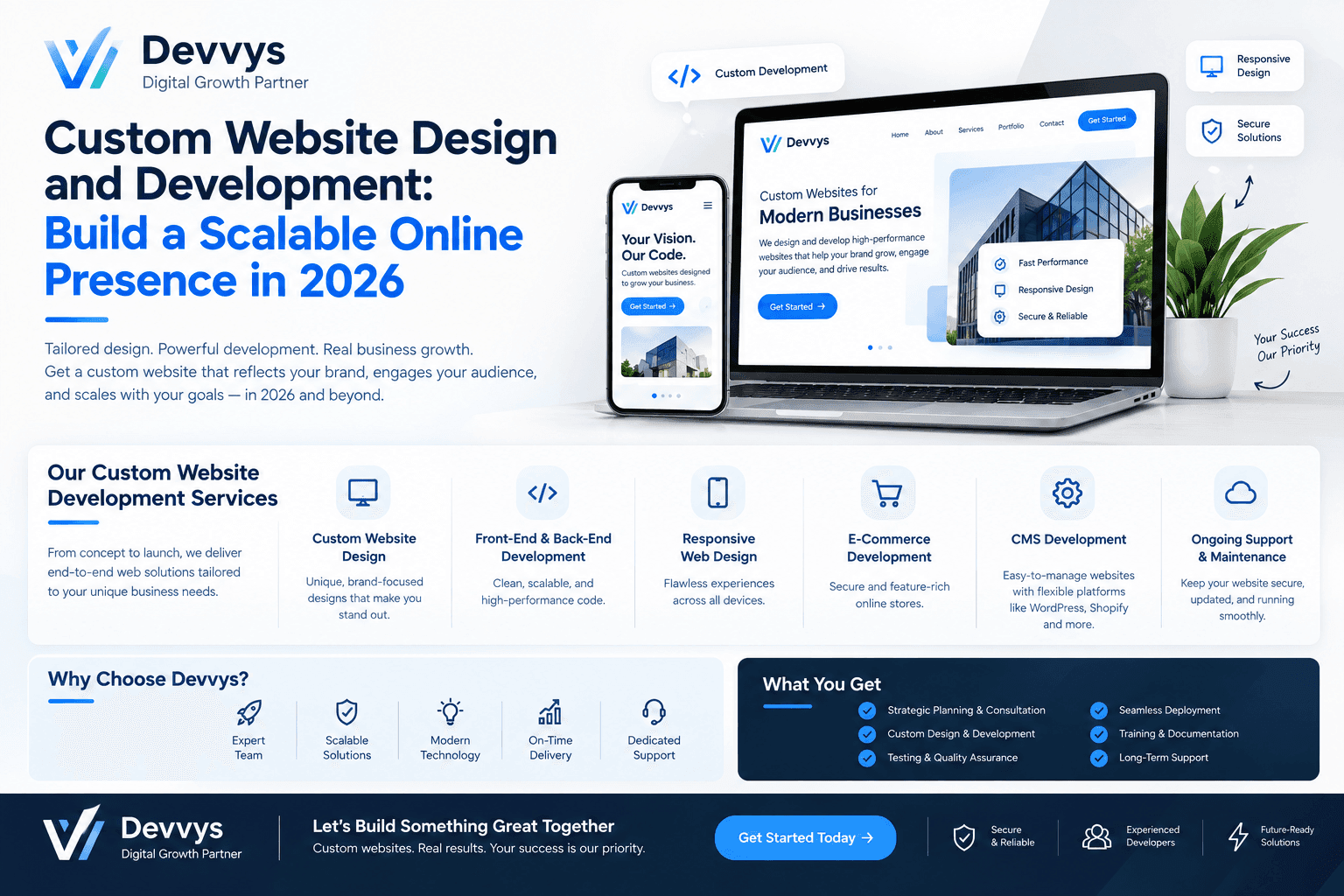
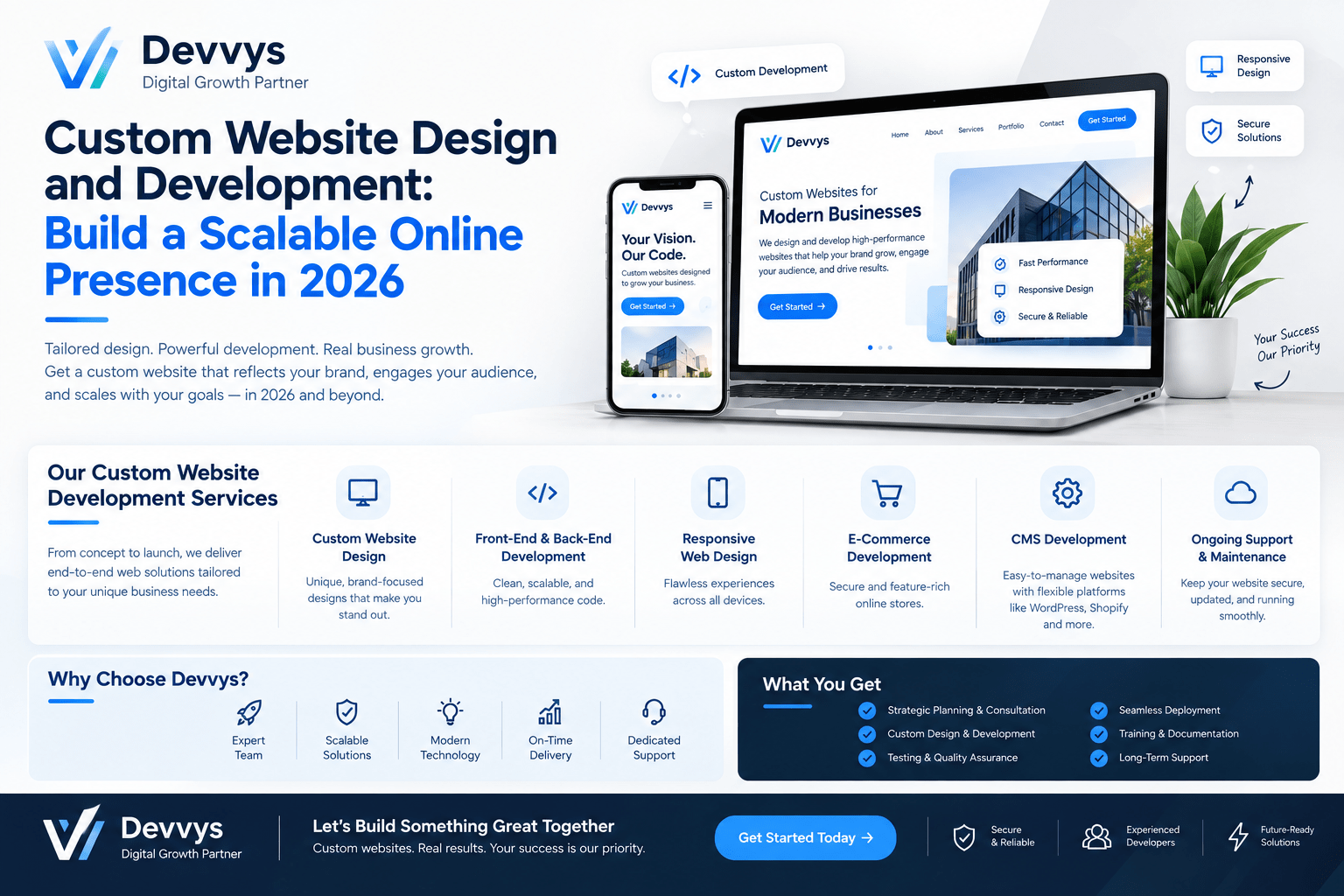
Custom Website Design and Development: Build a Scalable Online Presence in 2026
A custom website design and development approach gives you a unique, high‑performance site built around your business goals, users, and growth plans instead of generic templates.
This comprehensive guide covers what custom website design and development means, why it matters for scalability, the end‑to‑end process, architecture best practices for 2026, and how to partner with the right team to build a future‑proof online presence.
What Is Custom Website Design and Development?
Custom website design and development refers to creating a website from the ground up with bespoke visual design, user experience, and code tailored to your specific brand, workflows, and objectives.
Unlike template‑based sites that force your business into pre‑made layouts and plugin ecosystems, custom projects start with discovery and strategy, then move through wireframing, UI design, and hand‑coded front‑end and back‑end implementation.
The result is a site that reflects your brand identity, supports your exact feature requirements, integrates cleanly with your tech stack, and scales as your traffic, content, and functionality grow.
Why Scalability Matters in Modern Web Design
Scalability is the ability of your website to handle increased workloads—more visitors, more content, more integrations, more AI‑driven features—without degrading performance, user experience, or search rankings.
In 2026, websites are expected to support:
Higher traffic volumes from paid campaigns, viral content, or seasonal spikes
Larger product catalogs, service pages, and location pages
Complex integrations with CRM, ERP, payment systems, and marketing automation
Advanced personalization, AI chatbots, and dynamic content experiences
A non‑scalable site might work fine at launch but quickly become slow, unstable, or expensive to maintain as your business grows, often forcing a costly rebuild within 1–2 years.
Custom website design and development lets you architect for growth from day one, avoiding disruptive re‑platforming later.
Custom Website Design vs. Custom Development: How They Work Together
Although often used interchangeably, "design" and "development" refer to different but tightly connected disciplines in a custom build.
What Custom Website Design Covers
Custom design focuses on the strategic and visual layer of your site:
Discovery: business goals, target audience, key user journeys
Information architecture: sitemap, navigation, content hierarchy
Wireframes: low‑fidelity layouts that define structure and flow
UI design: colors, typography, components, brand expression
Prototypes: clickable models to validate interactions before coding
Good custom design ensures your site is intuitive, on‑brand, and optimized for conversions before any code is written.
What Custom Development Covers
Custom development implements the design and business logic in code:
Front‑end development: HTML, CSS, JavaScript/TypeScript, frameworks like React, Next.js, Vue
Back‑end development: server, database, APIs, authentication, business rules
CMS configuration or custom admin panels for content management
Integrations with third‑party tools (CRM, ERP, payments, analytics)
Performance optimization, security hardening, and deployment
Development turns designs into a fast, secure, and scalable website that works across devices and browsers.
Why You Need Both for a Scalable Online Presence
Design without thoughtful development can look great but perform poorly or break under load. Development without strong design can be technically solid but confusing for users and weak on conversions.
A custom website design and development engagement aligns both disciplines from the start so that:
User flows are feasible and efficient to build
Technical constraints are considered during design
Performance, SEO, and scalability are baked into both layers
This integrated approach is what enables a truly scalable online presence.
The Custom Website Design and Development Process
Most professional teams follow a structured, phased process to reduce risk, manage scope, and ensure the final site supports long‑term growth.
Phase 1: Discovery and Strategy (Week 1–2)
This phase defines the "why" and "what" before the "how."
Key activities:
Stakeholder interviews to clarify business goals and KPIs
Audience research and persona definition
Competitive and benchmark analysis
Audit of existing site, content, analytics, and tech stack
Initial sitemap and user flow diagrams
Outputs typically include a project brief, success metrics, and a high‑level roadmap.
Phase 2: Information Architecture and Wireframing (Week 2–4)
Here, the structural blueprint of the site is created.
Deliverables:
Detailed sitemap with page types and templates
Low‑fidelity wireframes for key pages (home, category, product/service, contact, etc.)
User flow diagrams for critical journeys (lead gen, checkout, onboarding)
Content requirements and governance guidelines
Wireframes focus on layout, hierarchy, and functionality without visual styling, ensuring the structure supports both users and SEO.
Phase 3: UI Design and Prototyping (Week 3–6)
Designers apply your brand system and create high‑fidelity visuals.
Typical outputs:
High‑fidelity mockups for desktop, tablet, and mobile
Interactive prototypes to test interactions and micro‑animations
Component library or design system for consistency
Style guide covering colors, typography, buttons, forms, and states
This stage ensures the site is visually compelling, accessible, and conversion‑oriented before development begins.
Phase 4: Front‑End and Back‑End Development (Week 5–12+)
Developers implement the approved designs and functionality in code.
Front‑end work includes:
Responsive layouts using modern CSS and frameworks
Interactive components with JavaScript/TypeScript
Performance optimizations (code splitting, lazy loading, image optimization)
Accessibility enhancements (keyboard navigation, ARIA labels, contrast)
Back‑end work includes:
Server setup, database design, and API development
CMS configuration or custom admin interfaces
Integration with CRM, ERP, payment gateways, and other systems
Security measures (authentication, authorization, input validation, encryption)
Work is often organized in sprints with regular demos and feedback loops.
Phase 5: Content Population, SEO, and QA (Week 10–14)
Content teams populate the site while QA and SEO specialists validate everything.
Activities include:
Final content creation, editing, and formatting
On‑page SEO: titles, meta descriptions, headings, internal links, schema markup
Technical SEO checks: clean URLs, redirects, sitemaps, robots.txt
Functional testing across browsers and devices
Performance testing against Core Web Vitals targets
Security scanning and accessibility audits
Issues are logged, prioritized, and fixed before launch.
Phase 6: Launch and Post‑Launch Optimization (Week 14+)
The site is deployed to production with proper monitoring and backup systems.
Launch tasks:
DNS and SSL configuration
CDN setup for global performance
Analytics, tag manager, and conversion tracking implementation
Final SEO checks and Search Console submission
Backup and rollback plans in case of issues
Post‑launch, the focus shifts to:
Monitoring performance, errors, and user behavior
A/B testing and conversion rate optimization
Ongoing content updates and feature enhancements
Regular security patches and dependency updates
This iterative approach ensures your online presence continues to improve over time.
Key Benefits of Custom Website Design and Development
Custom builds deliver strategic advantages that directly impact growth, especially for competitive USA markets in B2B, ecommerce, and SaaS.
1. Tailored User Experience and Higher Conversions
Custom UX is designed around your actual users, not generic assumptions.
Navigation, content hierarchy, CTAs, and forms are optimized for your specific journeys, leading to:
Lower bounce rates
Longer session durations
Higher lead and sales conversion rates
2. Superior Performance and Core Web Vitals
Custom code avoids bloated themes and unnecessary plugins.
Teams can:
Minimize JavaScript and CSS payloads
Implement efficient caching and image optimization
Choose hosting and CDN setups aligned with your audience geography
The result is faster load times, better Core Web Vitals scores, and improved rankings and conversions.
3. Stronger SEO Foundation and Scalable Architecture
Custom projects allow you to design site structure specifically for SEO and growth.
Benefits include:
Logical, shallow hierarchy that's easy for crawlers and users to navigate
Clean URL structures and consistent templates
Flexible taxonomy that supports new services, products, and locations without breaking navigation
Built‑in schema markup and internal linking strategies
This makes it easier to scale content and maintain rankings as you expand.
4. Seamless Integrations With Your Tech Stack
Custom development enables direct API and webhook integrations with your existing tools.
Common integrations:
CRM (HubSpot, Salesforce) for lead capture and nurturing
ERP and inventory systems for real‑time product data
Payment gateways and subscription platforms
Marketing automation, analytics, and customer support tools
This creates a unified operations layer instead of disconnected systems.
5. Enhanced Security and Reduced Risk
Custom sites rely less on mass‑market plugins and themes that are frequent attack targets.
Security advantages:
Tailored authentication and role‑based access controls
Reduced attack surface by limiting third‑party dependencies
Custom security controls aligned with your risk profile and compliance needs
Good teams also implement regular patching, monitoring, and backups as part of ongoing support.
6. True Scalability Without Re‑platforming
Template sites often require complete rebuilds when you outgrow them.
Custom architectures are designed to scale by:
Adding more servers or using auto‑scaling cloud infrastructure
Implementing caching layers (Redis, Memcached) and CDNs
Using stateless application design and microservices where appropriate
Planning for database replication and sharding as data grows
This allows you to add features, traffic, and content without constant rewrites.
7. Long‑Term Cost Efficiency for Complex Needs
Although custom builds cost more upfront, they often save money over 2–3 years.
Savings come from:
Lower maintenance chaos and fewer emergency fixes
Faster feature rollouts without fighting template limitations
Better performance without constant plugin patching
Cleaner integrations that reduce manual work and errors
For businesses where the website is a core revenue driver, this ROI is significant.
Building a Scalable Website Architecture: Best Practices for 2026
Scalable architecture is the foundation that lets your site handle growth without sacrificing speed, stability, or SEO.
1. Design for Horizontal Scaling
Plan your infrastructure so you can add more servers or containers as demand increases, rather than relying on a single powerful server.
Key tactics:
Use load balancers to distribute traffic across multiple instances
Adopt stateless application design so any server can handle any request
Store sessions in distributed caches (Redis, Memcached) instead of local memory
This prevents single‑server failures and supports traffic spikes.
2. Leverage CDNs and Caching Layers
Content Delivery Networks (CDNs) store static assets at edge locations worldwide, reducing latency for distant users.
Caching layers store frequently accessed data in fast memory to reduce database load.
Best practices:
Serve images, CSS, JS, and videos via a global CDN
Implement server‑side and application‑level caching for dynamic content
Use browser caching headers to reduce repeat requests
These measures dramatically improve perceived speed and reduce server strain.
3. Optimize Front‑End Performance
Scalable performance starts with disciplined front‑end fundamentals.
Focus on:
Efficient, modular CSS and JavaScript
Code splitting and lazy loading for large pages
Compressed, next‑gen image formats (WebP, AVIF)
Minimizing third‑party scripts and tracking tags
Faster front‑ends reduce server load and improve user experience across devices.
4. Use Modular and API‑First Design
Modular design breaks your site into independent components and services that can be updated or scaled separately.
API‑first design ensures your front‑end communicates with back‑end services through well‑defined interfaces.
Benefits:
Easier to add new features without rewriting the entire system
Ability to scale high‑demand components independently
Simpler integration with new tools and platforms over time
This is especially important for sites planning AI integrations, personalization, and multi‑channel experiences.
5. Plan for SEO‑Friendly, Scalable Site Structure
Your information architecture should support growth in content, services, and locations without becoming messy or hard to crawl.
Guidelines:
Use clear, logical categories and subcategories
Keep important pages within 3–4 clicks from the homepage
Implement consistent templates for similar page types
Build internal linking that reinforces topical authority
A scalable site structure makes it easier to rank new pages and expand into new markets.
6. Implement Monitoring, Alerts, and CI/CD
Scalable sites require proactive monitoring and automated deployment pipelines.
Essentials include:
Real‑time monitoring of uptime, response times, and errors
Alerts for performance degradation or security issues
CI/CD pipelines for safe, repeatable deployments
Automated testing (unit, integration, end‑to‑end) before releases
This reduces downtime, speeds up iterations, and maintains quality as the site grows.
Custom Website Design and Development for Different Business Types
The exact implementation varies by business model, but the principles of custom, scalable design remain consistent.
B2B and Professional Services
Goals: generate qualified leads, showcase expertise, support sales teams.
Custom features often include:
Resource hubs with gated content and marketing automation
Case study and portfolio sections with advanced filtering
CRM integrations for lead capture, scoring, and nurturing
Multi‑location or multi‑service page templates for SEO
Scalability focuses on content growth, lead volume, and integration complexity.
Ecommerce Brands
Goals: drive product discovery, increase average order value, streamline checkout.
Custom capabilities may include:
Unique product configurators and bundling logic
Custom checkout flows and payment options
Integrations with ERP, inventory, and fulfillment systems
Personalized recommendations and dynamic pricing
Scalable architecture must handle traffic spikes, large catalogs, and complex transactions.
SaaS and Tech Companies
Goals: explain product value, drive sign‑ups, support onboarding.
Custom elements often involve:
Interactive demos and product tours
Documentation and knowledge bases with advanced search
Integration with billing, usage analytics, and customer success platforms
Role‑based dashboards and customer portals
Scalability here includes handling user growth, data volume, and feature expansion.
What to Expect When Partnering With a Custom Design and Development Team
A professional engagement should feel collaborative, transparent, and focused on long‑term outcomes.
Communication and Collaboration
Expect:
A dedicated project manager or primary point of contact
Regular status meetings (often weekly)
Clear channels for feedback and approvals
Transparent progress tracking against milestones
Good teams explain technical decisions in plain language and involve you in key choices.
Timelines and Milestones
Typical timelines vary by complexity:
Simple custom sites: 6–10 weeks
Medium‑complexity sites: 3–6 months
Large enterprise platforms: 6–12+ months
Payments are often tied to milestones such as discovery completion, design approval, mid‑development checkpoint, pre‑launch QA, and final launch.
Your Responsibilities as the Client
To keep the project on track:
Provide clear goals, brand assets, and content (or approve content plans)
Review and approve deliverables within agreed timeframes
Make timely decisions on scope, features, and design directions
Assign an internal stakeholder who can answer questions quickly
Delays often stem from slow client feedback, not the agency's work.
Ownership, Access, and Handover
Before signing, confirm:
You will own the code, design files, and content upon final payment
You will have admin access to CMS, hosting, domain, and analytics
Documentation and training are provided for your team
There's a clear support and maintenance agreement post‑launch
Anything less can create long‑term dependency and limit your flexibility.
How to Choose the Right Custom Website Design and Development Partner
Selecting the right team is as important as the technology choices.
Step 1: Define Your Project Clearly
Document:
Business goals and primary KPIs
Target audience and key user journeys
Must‑have and nice‑to‑have features
Integration requirements
Budget range and ideal timeline
A clear brief enables meaningful proposals instead of generic pitches.
Step 2: Shortlist Agencies With Relevant Experience
Look for:
Live sites shipped in the last 12–18 months
Projects in your industry or with similar functional needs
Case studies showing measurable outcomes (traffic, conversions, revenue)
Speak to past clients about communication, delivery, and post‑launch support.
Step 3: Evaluate Their Process and Thinking
Assess:
Quality of questions about your business and users
How they identify risks and propose phased approaches
Explanation of tech stack choices and why they fit your case
Clarity around QA, security, deployment, and support
Teams that propose a sensible MVP or paid discovery phase are often safer bets.
Step 4: Compare Proposals Beyond Price
Compare:
Assumptions and scope clarity
Deliverables and acceptance criteria
Timeline feasibility and milestone structure
Ownership terms and post‑launch support model
The cheapest option is rarely the best value if it cuts corners on discovery, QA, or maintainability.
Common Mistakes to Avoid in Custom Website Projects
Even with a strong partner, certain mistakes can undermine scalability and ROI.
Vague goals and requirements: Leads to scope creep, rework, and misaligned features.
Ignoring content strategy: Results in beautiful designs with weak messaging and poor SEO.
Over‑customizing too early: Building complex features before validating core user needs and conversion paths.
No scalability plan: Launching without considering future traffic, content, or integration growth.
Skipping post‑launch optimization: Treating launch as the end instead of the beginning of continuous improvement.
Addressing these proactively improves the chances your site becomes a growth engine, not just a cost center.
Final Thoughts: Build a Scalable Online Presence With Custom Design and Development
Custom website design and development is the most effective way to build an online presence that grows with your business instead of holding it back.
By combining strategic design, clean and scalable architecture, strong SEO foundations, and seamless integrations, you create a site that performs well today and can expand smoothly tomorrow.